
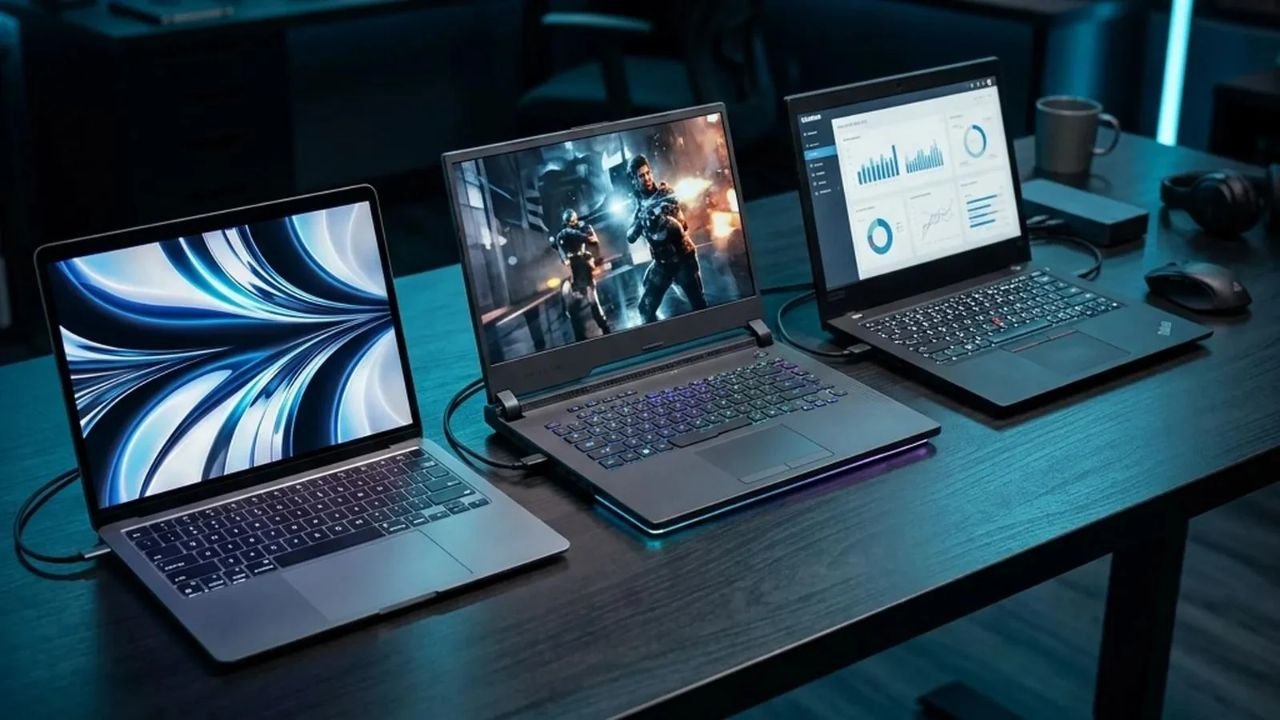
Choosing the right laptop can be confusing because the market offers hundreds of models with different specifications, features, and prices. Students, professionals, gamers, and everyday users all have different requirements. Finding a laptop that matches personal needs and budget requires proper research and product knowledge.
TheLaptopAdviser Guides are relevant for readers interested in laptop buying advice, product comparisons, reviews, and technology information. These resources help users understand important laptop features and learn what to consider before purchasing a new computer. Whether someone needs a laptop for education, office work, gaming, or entertainment, understanding the basics can make the buying process easier.
What Are TheLaptopAdviser Guides?
TheLaptopAdviser Guides refer to informational resources covering different aspects of laptops and computer technology. They focus on helping readers understand laptop specifications, compare available devices, and explore useful purchasing considerations.
These guides cover several important topics, including:
- Laptop buying recommendations
- Laptop reviews and comparisons
- Gaming laptop information
- Educational laptop recommendations
- Laptop specifications and features
- Computer maintenance and troubleshooting
- Technology tips for everyday users
The main purpose of such resources is to make technical information easier to understand. Readers can explore different laptop categories and identify features that match their requirements.
1. Laptop Buying Guides for Different Users
Laptop buying advice is useful because every user has different expectations. A student may need an affordable device for assignments, research, and online classes. A business professional may prioritize performance, portability, and battery life.
Similarly, gamers and creative professionals often require more powerful hardware.
Before purchasing a laptop, consider these factors:
- Purpose: Identify whether you need a laptop for education, office work, gaming, or professional applications.
- Budget: Decide how much you can comfortably spend.
- Processor: Select a processor suitable for your workload.
- RAM: Choose sufficient memory for multitasking.
- Storage: Consider an SSD for faster everyday performance.
- Display: Check screen size, resolution, and brightness.
- Battery: Compare battery capacity and real-world performance.
- Build Quality: Look for a durable design and comfortable keyboard.
Understanding these factors can help buyers avoid unnecessary expenses.
2. Understanding Important Laptop Specifications
Laptop specifications play an important role in determining overall performance. Understanding the main components helps users compare different models more effectively.
Processor
The processor, also known as the CPU, handles instructions and calculations. It affects how efficiently a laptop performs everyday tasks and demanding applications.
Intel Core and AMD Ryzen processors are common options. Buyers should compare the exact processor model, generation, performance category, and power requirements instead of selecting a laptop based only on a brand name.
RAM
RAM allows a laptop to manage multiple applications and processes simultaneously.
- 8GB RAM: Suitable for many basic computing activities.
- 16GB RAM: A comfortable choice for multitasking and general professional work.
- 32GB RAM: Useful for demanding creative applications and heavier workloads.
The right memory capacity depends on the applications being used.
Storage
Storage determines how much information, software, and personal data a laptop can keep.
| Storage Type | Main Features |
| HDD | Traditional storage with a lower cost per capacity |
| SATA SSD | Faster access than a traditional HDD |
| NVMe SSD | High-speed storage performance |
An SSD is generally a good choice for users who want faster startup times and smoother application loading.
Graphics Card
Graphics hardware is important for gaming, video editing, animation, and 3D applications. Integrated graphics can handle everyday activities, while demanding applications may require a dedicated GPU.
3. Gaming Laptop Guides and Performance
Gaming laptops are designed for users who need stronger graphics capabilities and hardware that can handle demanding applications.
These computers commonly feature dedicated graphics cards, powerful processors, advanced cooling systems, and displays with higher refresh rates.
Before purchasing a gaming laptop, consider the following:
- GPU performance: Check the graphics processor and its power configuration.
- Processor: Select a CPU suitable for your favourite games.
- RAM: Consider 16GB or more depending on your requirements.
- Display: Examine resolution, brightness, and refresh rate.
- Cooling: An effective cooling system helps maintain performance.
- Battery: Gaming laptops generally deliver their best performance when connected to power.
A laptop with impressive specifications may still have limitations because of its cooling system and power settings. Comparing independent performance tests is therefore important.
4. Laptop Guides for Students and Education
Students need reliable computers for online classes, assignments, presentations, research, and educational software.
The ideal laptop depends on the student’s course, budget, and daily activities.
| Student Category | Recommended Features |
| School Students | Basic processor, SSD, reliable battery |
| College Students | 8GB–16GB RAM and SSD storage |
| Programming Students | Modern processor and 16GB RAM recommended |
| Design Students | Good display and capable graphics |
| Engineering Students | Powerful processor and software compatibility |
Students who mainly use web browsers, documents, and video conferencing may not require an expensive laptop.
However, engineering, architecture, and design students should check the hardware requirements of their professional software before making a purchase.
5. Laptop Reviews and Product Comparisons
Product reviews help buyers understand the advantages and limitations of different laptops. Specifications provide useful technical information, but they do not always explain the complete user experience.
A useful laptop comparison should cover several areas.
Performance: Examine how efficiently the laptop handles everyday applications and demanding tasks.
Build Quality: Check the chassis, hinges, keyboard, and overall construction.
Display Quality: Consider brightness, resolution, colour accuracy, and viewing angles.
Battery Life: Look for independent battery tests conducted under clearly explained conditions.
Connectivity: Check USB ports, HDMI, audio connections, Wi-Fi, and Bluetooth.
Price and Value: Compare the actual specifications and warranty instead of judging a laptop by its model name alone.
Readers should also consider publication dates because laptop configurations and market prices can change over time.
6. How to Choose the Right Laptop Using These Guides
A structured purchasing process can make laptop shopping easier. Instead of selecting a computer based only on appearance or popularity, buyers should understand their requirements.
Follow these practical steps:
- Identify your primary laptop usage.
- Set a realistic purchasing budget.
- Compare available processor options.
- Check RAM capacity and upgrade possibilities.
- Choose suitable SSD storage.
- Examine display quality and screen size.
- Compare battery performance.
- Check keyboard comfort and build quality.
- Review warranty and customer support.
- Compare prices from different sellers.
Following these steps can help buyers make informed decisions and select a computer that matches their expectations.
7. Laptop Maintenance and Troubleshooting Tips
Purchasing a good laptop is only the beginning. Regular maintenance can help users keep their computers functional and responsive.
Here are some useful laptop maintenance practices:
- Keep the operating system and applications updated.
- Remove unnecessary programs and temporary files.
- Avoid blocking laptop ventilation openings.
- Clean the keyboard and exterior carefully.
- Use a compatible charger.
- Maintain backups of important documents.
- Avoid exposing the laptop to excessive heat or moisture.
- Monitor battery health periodically.
If a laptop develops unusual overheating, charging issues, or hardware problems, professional assistance may be necessary.
8. Benefits of Exploring TheLaptopAdviser Guides
Technology guides can help readers understand computer features and make better purchasing decisions.
Some important benefits include:
Better Purchasing Decisions: Readers can understand which specifications matter for their intended activities.
Improved Technical Knowledge: Beginners can learn about processors, RAM, storage, graphics, and displays.
Easier Comparisons: Understanding specifications makes comparing laptop models more straightforward.
Budget Management: Buyers can avoid spending extra money on unnecessary features.
Better Device Maintenance: Practical information can help users follow responsible computer maintenance practices.
These benefits make laptop-related educational content useful for both beginners and experienced computer users.
9. Things to Check Before Following Laptop Recommendations
Not every laptop recommendation provides complete or accurate information. Readers should evaluate the quality of an article before using it to make purchasing decisions.
Consider these important points:
- Author Information: Check whether the article identifies its writer.
- Publication Date: Older recommendations may include outdated models.
- Testing Evidence: Look for actual benchmark results and testing methods.
- Product Configuration: Confirm that the reviewed specifications match the available laptop.
- Commercial Disclosures: Understand whether affiliate links or sponsored recommendations are involved.
- Independent Verification: Compare important claims with manufacturer specifications and established review publications.
These checks are particularly important when purchasing an expensive laptop.
Read More: Fitness Guide TheSpoonAthletic || ETrueSports.com || Gaming PlayMyWorld
10. Frequently Asked Questions (FAQs)
Q1. What are TheLaptopAdviser Guides?
TheLaptopAdviser Guides are laptop-related informational resources covering buying advice, product comparisons, reviews, gaming computers, educational devices, and maintenance tips.
Q2. Who can benefit from TheLaptopAdviser Guides?
Students, office workers, gamers, professionals, and everyday computer users can explore laptop-related information to understand different features and purchasing considerations.
Q3. Do TheLaptopAdviser Guides cover gaming laptops?
Gaming laptops are one of the relevant technology topics. Readers interested in this category should understand graphics performance, cooling, processors, memory, and display specifications.
Q4. Can beginners understand laptop buying guides?
Yes. Beginner-friendly laptop guides can explain common technical terms and help first-time buyers understand the differences between laptop models.
Q5. What should I check before buying a laptop?
Check the processor, RAM, SSD storage, display, battery life, build quality, connectivity, warranty, and final price. Always consider your intended usage.
Q6. Are online laptop guides enough to make a purchasing decision?
Online guides are a useful starting point, but buyers should also check independent reviews, current prices, exact product configurations, and warranty conditions.
Conclusion
TheLaptopAdviser Guides are a useful topic for readers interested in laptop technology, buying advice, product comparisons, and computer maintenance. Understanding different laptop categories and specifications can help students, professionals, gamers, and everyday users make more informed decisions.
However, selecting the right laptop requires more than reading a single recommendation. Buyers should understand their requirements, compare available configurations, and verify performance information before purchasing a device.
By combining educational laptop guides with independent research, users can find computers that offer suitable performance, useful features, and long-term value.
